The Fastest Way to Master a Sales Call Simulation
The Fastest Way to Master a Sales Call Simulation

The fastest way to build real cold-calling, discovery, and objection-handling skill is to run structured reps through an AI-driven sales call simulation instead of waiting for live calls to teach you the hard way. A simulator only earns its place in your training stack if it delivers real-time voice role-play, scenarios you can customize to your playbook, scored feedback tied to your methodology, and a manager dashboard that turns individual reps into a team-wide readiness picture.
- Real-time voice (or video) role-play with an AI buyer that pushes back like a real prospect
- Customizable scenarios matched to your product, market, and sales stage
- Scored coaching reports, not just a transcript dump
- Manager dashboards that show readiness across the whole team
Pro Tip: Before you commit to a platform, run the exact objection your worst rep struggled with last quarter through a trial scenario. If the AI buyer handles it with nuance instead of a canned rebuttal, you’ve found a tool worth scaling.
Key Takeaways
Realistic, scored practice against an AI buyer builds cold-calling, discovery, and objection-handling skill faster than waiting for live calls to teach reps the hard way.
| Point | Details |
|---|---|
| Start with the objective | Pick a scenario tied to one specific skill gap, not a generic “practice call.” |
| Prioritize realism and rubrics | Test AI realism against your toughest real objection before comparing pricing. |
| Track behavior, not just scores | Use transcript-based counts like discovery questions asked to show real progress. |
| Roll out in phases | Pilot with a small cohort, define rubrics, then scale into onboarding and re-certification. |
| Xl Roleplay maps to the checklist | It pairs live AI voice and video role-play with scored coaching reports, transcripts, and manager dashboards built around your own methodology. |
Table of Contents
- What Is a Sales Call Simulation, in Plain Terms?
- What Do Teams Actually Use Sales Call Simulators For?
- What Features Should You Look for in an AI Sales Call Simulator?
- How Do You Run an Effective Practice Session?
- How Do You Measure Readiness and ROI?
- What’s the Best Way to Roll This Out to a Sales Team?
- Why Xl Roleplay Fits This Job
- How Does Pricing Typically Work, and What Should You Test in a Trial?
- An Editorial Take on What Actually Moves the Needle
- Get Your Team Practicing With Xl
- Frequently Asked Questions
- Sources
What Is a Sales Call Simulation, in Plain Terms?
A sales call simulation is a live, voice-driven practice environment where an AI buyer plays a realistic prospect while a rep works through a sales conversation in real time. The system listens, responds with the kind of pushback a real buyer would give, then captures a full transcript and scores the rep’s performance against a rubric built around your sales methodology.
Under the hood, the mechanics are straightforward: the AI plays the buyer persona, the rep talks through the call exactly as they would on the phone, and the platform records everything for review afterward. That combination of live pressure and immediate feedback is what separates a sales training simulation from a static role-play script two reps read off a page.
Most platforms simulate the stages that actually make or break a deal:
- Cold call openers and gatekeeper navigation
- Discovery questioning and needs qualification
- Objection handling under pressure
- Negotiation and close
Vendors in this space frame scored, rubric-based practice as the mechanism behind faster skill-building, since reps get graded feedback instantly instead of waiting for a manager’s memory of a call from three days ago.
What Do Teams Actually Use Sales Call Simulators For?
Most teams don’t buy a simulator for one use case. They deploy it across the whole rep lifecycle, from the first week of onboarding through pre-negotiation prep on a six-figure deal.
- Onboarding new reps so they hit their first live call already having survived twenty rough ones
- Cold-calling drills focused on the opening fifteen seconds, where most calls are won or lost
- Discovery practice to sharpen the questions that uncover budget, timeline, and pain
- Objection-handling circuits that cycle through price pushback, competitor comparisons, and stalling tactics
- Negotiation rehearsals for reps about to walk into a real pricing conversation
- Role-specific scenarios built separately for SDRs, account executives, and customer success reps
A common goal is cutting ramp time for new hires by giving them volume before they ever touch a live prospect. Another is raising conversion on demo-to-close by rehearsing the exact objections showing up in your CRM notes. Teams that build negotiation-specific scenario libraries tend to see the clearest gains, since margin-protection conversations are rarely practiced anywhere else.
What Features Should You Look for in an AI Sales Call Simulator?
Not every platform marketed as a “sales training simulation” delivers the same depth. Run through this checklist before you sign anything.
- AI realism: does the buyer sound and react like a real human, with vocal tone and emotional pushback that shift based on how the rep responds?
- Scenario customization: can you build scenarios around your actual product, ICP, and objections, not a generic template?
- Evaluation rubrics and scored coaching: does feedback map to your sales methodology, or is it a generic checklist?
- Transcripts and searchable moments: can a manager jump straight to the exact point in a call where a rep lost control?
- Manager dashboards and team analytics: can leadership see readiness trends across the whole roster, not just one rep’s score?
- CRM and LMS integrations: does practice data flow into the systems you already use to track performance?
- Security and compliance: does the vendor meet enterprise standards like SOC 2 for handling call data and transcripts?
Each of these ties directly to a measurable behavior. AI realism determines whether the confidence a rep builds in practice actually transfers to a live call. Scored rubrics matter because configurable scoring tied to your own methodology is what scales coaching without adding to a manager’s workload. Dashboards matter because a coach can’t fix what they can’t see across twenty reps at once.
Pro Tip: During a trial, deliberately interrupt the AI buyer mid-sentence or go off-script with an unusual objection. Weak platforms break character; strong ones adapt the way a real prospect would.
For enterprise teams, ask directly about SOC 2 or equivalent compliance before rolling out. Call transcripts often contain sensitive pricing and account data, and that’s not a detail to discover after a security review flags it.
How Do You Run an Effective Practice Session?
A good session follows the same structure every time, so reps know what to expect and coaches can compare performance across weeks.
- Pick a scenario aligned to a specific objective — a cold-call opener, a discovery call, or a late-stage negotiation.
- Set the difficulty and buyer persona to match the rep’s experience level and the account type they’ll actually face.
- Run the live AI role-play in real time, treating it exactly like a call with a real prospect.
- Review the scorecard and transcript immediately while the conversation is still fresh.
- Drill the weakest behaviors identified in the scorecard, repeating that specific moment rather than the whole call.
- Repeat in blind mode or with increased pressure once the rep is consistent.
A compact example: a cold-call opener scenario might start with “Hi, this is [prospect name], I’ve got two minutes.” The rep has thirty seconds to earn attention, and the AI buyer’s tone shifts based on how that opener lands. Structured opener drills built around exactly this moment tend to produce the fastest visible improvement.
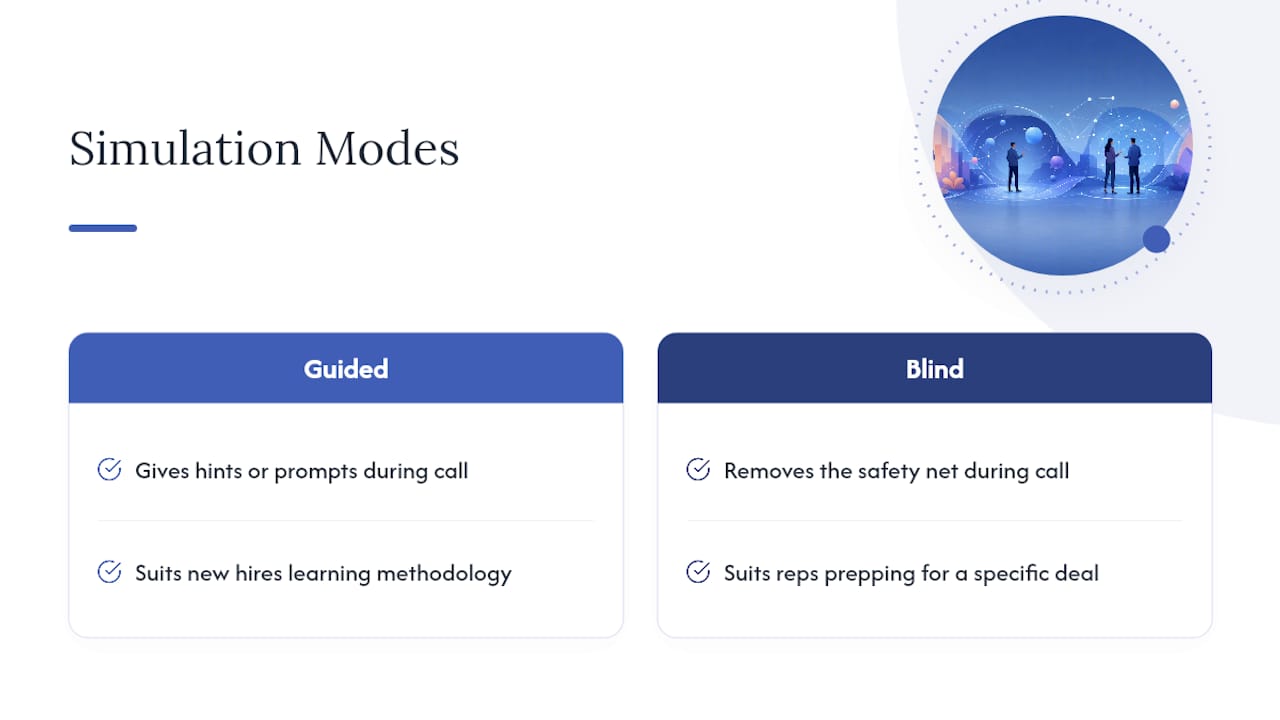
Sessions typically last around a quarter of an hour, with multiple repetitions per week per objective, which works well for most teams. Guided mode (with hints) suits new hires; blind mode suits reps prepping for a specific live deal.

Pro Tip: Run the same scenario twice in one sitting, once guided and once blind. The gap between the two scores tells you whether a rep actually learned the skill or just memorized the script.
How Do You Measure Readiness and ROI?
Readiness isn’t a feeling. It’s a set of numbers you can track session over session.
- Competency score improvement across repeated attempts at the same scenario
- Transcript-based behavior counts: number of discovery questions asked, objections handled without a script fumble
- Time-to-ramp for new hires compared to your historical baseline
- Conversion lift on live calls following a structured practice block
A simple before/after cohort works well here: track ramp time for a group that trains on the simulator against a historical group that didn’t, then multiply the time saved by average deal value per rep to estimate the return. If ramp drops by two weeks and a rep’s average monthly quota carries real dollar value, that math gets executive attention fast.
Measurement tip: align your simulator’s scoring rubric with the same criteria your QA team already uses for live call reviews. If the two scoring systems don’t speak the same language, managers end up reconciling two different definitions of “good,” and that friction kills adoption faster than any pricing objection.
What’s the Best Way to Roll This Out to a Sales Team?
Most implementation failures come from trying to mandate a tool company-wide on day one. A phased rollout works better.
- Pilot with a small cohort, ideally your newest hires or a struggling sub-team, for two to four weeks
- Define rubrics and success criteria before scaling, so scores mean the same thing across every rep
- Scale to onboarding once the pilot proves ramp-time gains
- Build an ongoing cadence for re-certification, not just a one-time training push
Adoption tends to stick when managers tie practice scores into 1:1 reviews, when leadership offers small incentives for hitting practice targets, and when progress is visible on a shared board rather than buried in an individual dashboard. Teams that treat this like structured roleplay training rather than a one-off workshop see the habit survive past the first month.
Pro Tip: Cap sessions at fifteen minutes and schedule them like calendar meetings. Five focused reps beat two exhausted hours, and reps are far more likely to show up for a short, recurring block than an open-ended “practice when you can” ask.
Why Xl Roleplay Fits This Job
Every feature on the checklist above maps directly to what XL Roleplay was built to do. It runs live voice and video role-play against AI buyers that present the objections and pressure tactics your reps actually face, not generic scripted pushback.
- Scored coaching reports built around your specific sales methodology, not a one-size-fits-all rubric
- Full session transcripts managers can search for the exact moment a call went sideways
- Manager dashboards that turn individual scores into team-wide readiness data
- Customizable scenario libraries tied to your own playbook and deal stages
Managers don’t need to sit in on every call to know where a rep is struggling. A scored transcript and a readiness dashboard do that work automatically, and that’s the trust signal sales leaders look for before they commit budget to a pilot.
Teams evaluating a pilot typically start with a small cohort, run a handful of scenarios tied to their toughest objections, and use the coaching reports to decide whether to scale.
How Does Pricing Typically Work, and What Should You Test in a Trial?
Most platforms in this category price by seat on a monthly subscription, with team tiers that unlock manager dashboards and analytics, plus optional add-on packs for extra video sessions. Watch contract terms closely: some vendors lock you into annual commitments before you’ve validated realism with your own scenarios, and mobile or app-based trials may carry their own in-app billing terms worth reading before you enter a card.
Before comparing vendors, test these five things in every trial:
- AI realism against your toughest actual objection
- Flexibility of the scenario builder for your specific product
- Whether scoring rubrics map to your existing sales methodology
- Transcript export quality for manager review
- Depth of the admin and dashboard view
Bring a pilot’s early scores to leadership rather than a sales pitch. A ramp-time number from real reps is what typically unlocks budget for a full rollout.
An Editorial Take on What Actually Moves the Needle
The teams that get real value from this technology aren’t the ones with the most sessions logged. They’re the ones who treat a scored transcript as seriously as a real call review, because a simulator only works if the feedback loop is as rigorous as the practice itself.
Get Your Team Practicing With Xl
Reading about scoring rubrics and manager dashboards only gets you so far. Xl Roleplay is built to close the gap between “we know reps need more reps” and actually running them, with live AI buyers that push back the way your real prospects do and scored coaching reports mapped to your own methodology instead of a generic template.
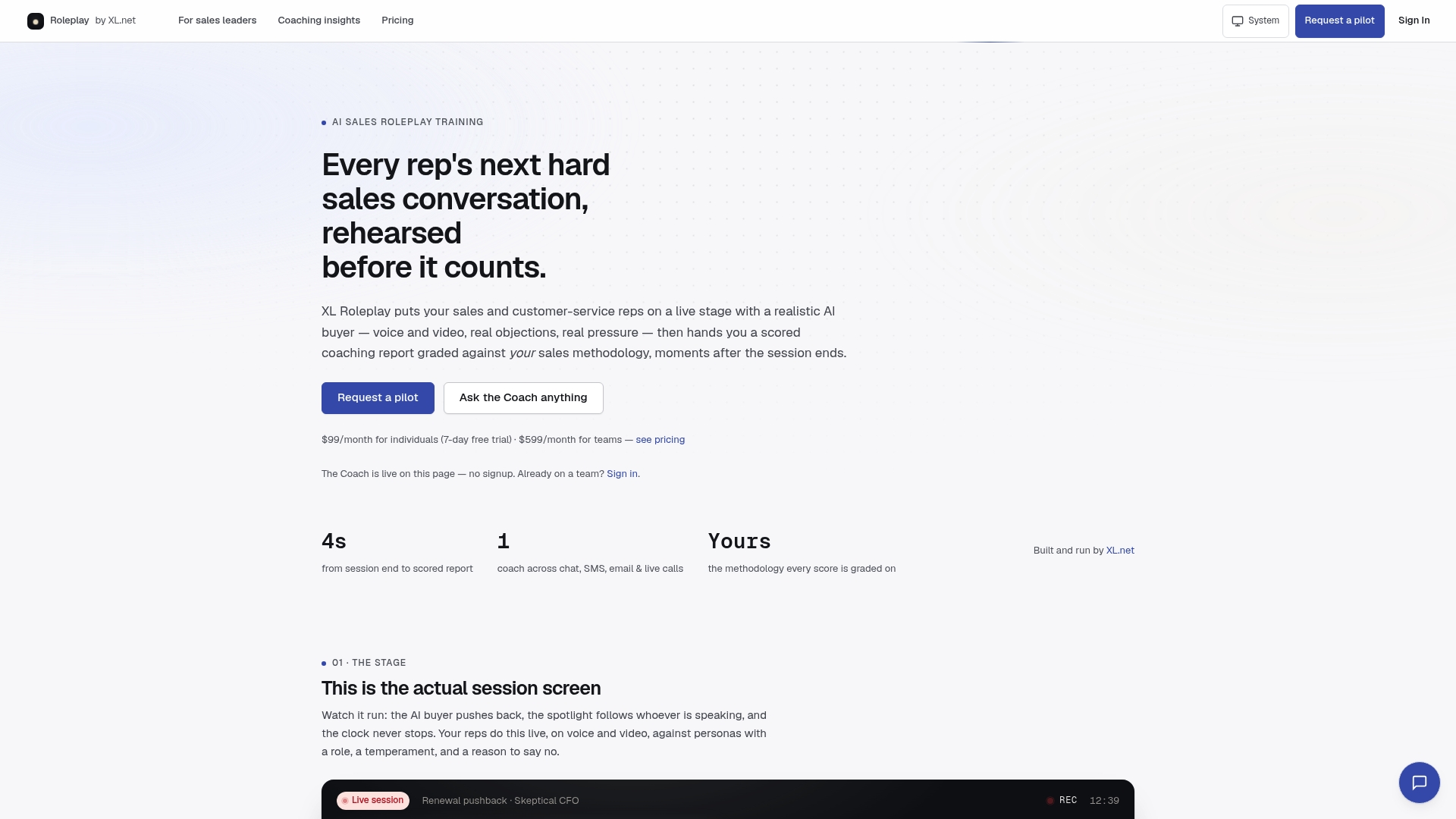
If you’re leading a team, the sales leaders page walks through how pilots typically work, what manager analytics look like once a few reps have logged sessions, and how teams structure a phased rollout without disrupting quota. Start by running one scenario built around your toughest current objection and see how the scorecard compares to what your managers already see on live calls. That single session tells you more than any spec sheet.
Frequently Asked Questions
How realistic is an AI buyer compared to a real prospect? The stronger platforms adjust tone and pushback based on how a rep responds, including interruptions and off-script objections, rather than following a fixed script. Testing this directly with your hardest real objection during a trial is the fastest way to judge it.
Can a sales call simulation replace live call shadowing entirely? No. It reduces the number of mistakes reps make on real prospects and speeds up ramp time, but managers still need to review live calls to catch nuances tied to your specific market and accounts.
How long should a typical practice session run? Fifteen to twenty minutes per session works for most teams, run three to five times a week per rep depending on the skill being drilled.
What’s the difference between guided and blind mode? Guided mode gives hints or prompts during the call, which suits new hires still learning a methodology. Blind mode removes the safety net, which suits reps prepping for a specific upcoming deal.
Does this work for customer service teams, not just sales reps? Yes. The same live role-play and scoring approach applies to customer service conversations, particularly for de-escalation and retention scenarios.
What should I check before signing a contract? Confirm seat pricing versus team tiers, whether add-on session packs are needed for video-heavy training, and whether the vendor meets enterprise security standards like SOC 2 if you’re handling sensitive account data.
Sources
- Support